An AI commercial is made the way a live-action spot is made, in the same order: brief, script, shot list, casting, the shoot, the edit, the client review and delivery. The video models replace the camera, the crew and the set. They don't replace the decisions, and most AI ads that look cheap skipped one of them.
This is the workflow we use in Cnemai, step by step, with the real numbers from Tony's Noodles, “The Long Way”: a 50-second spot with 11 shots on the cut, 18 takes rendered and $5.58 of renders.
Tony's Noodles, “The Long Way”: the spot this guide follows. Sound on.
The workflow at a glance
| Step | What you decide | What goes wrong without it |
|---|---|---|
| 1. Brief | The one thing the spot says, its length, its frame and its deliverables | Endless takes, because nobody agreed what good looks like |
| 2. Script | Every line of voice-over and every beat, to the second | Picture that has to be re-cut around the words |
| 3. Shot list | One action per shot, its length and its camera | Overloaded prompts and muddy clips |
| 4. Cast sheets | The product, the talent and the places, locked | A different face and a different pack in every shot |
| 5. Look on stills | A first frame for every shot | Paying for video to find out what you wanted |
| 6. Takes | Two or three takes a shot, then keep one | Nothing to choose from in the edit |
| 7. Voice, sound, captions | The narrator's reads, foley, a score, captions | A silent spot with music thrown on at the end |
| 8. Cut and versions | A saved version for every pass | "final_v7_REAL.mp4" |
| 9. Review | Propose, vote, approve | Client notes spread across email and chat |
| 10. Delivery | The master and every cutdown | Cropping a 16:9 film to 9:16 the night before |
1. Write a brief you can say in one line
Start with the single thing the spot has to say, then its length, its frame and its deliverables. Tony's Noodles came down to one line: follow one bowl of beef noodle soup from the dough to the pack. Every shot in the spot comes from it, and so does the closing line: “He took the long way, so you don't have to.”
Decide the frame before the first shot. A film's aspect is set once, 16:9 unless you change it, and a 9:16 cutdown for social is rendered in that shape, not cropped out of the 16:9. If the brief asks for both, budget the vertical takes from day one.
2. Write the script to the second
A 30-second spot has room for about 60 to 75 words of voice-over. Write each line with its timing beside it, so every beat has a length before anything renders. In Cnemai the script is the shot list: change a line and the shot changes, and every revision is kept.
On Tony's Noodles the narration came last: ten reads written and timed to the finished picture. That works when the picture tells the story on its own. When the words carry the story, write them first and cut the picture to them.
3. Break it into shots, one action each
Give every shot one action, one camera move and a length. "The chef pulls the dough" is a shot. "The chef pulls the dough, drops the noodles in the boil and plates the bowl" is three, and asked of a video model in one prompt it comes back as a blur of all three. Short prompts with one action make cleaner clips.
Tony's Noodles follows the bowl one step per shot: the dough pull, the noodles into the boil, the broth pour, the hero bowl, the chef tasting it and the pack. Paste a brief or a script into the studio and it proposes the scenes and shots, each with its cast, staging and length, for you to keep or change.
4. Lock the product and the people on cast sheets
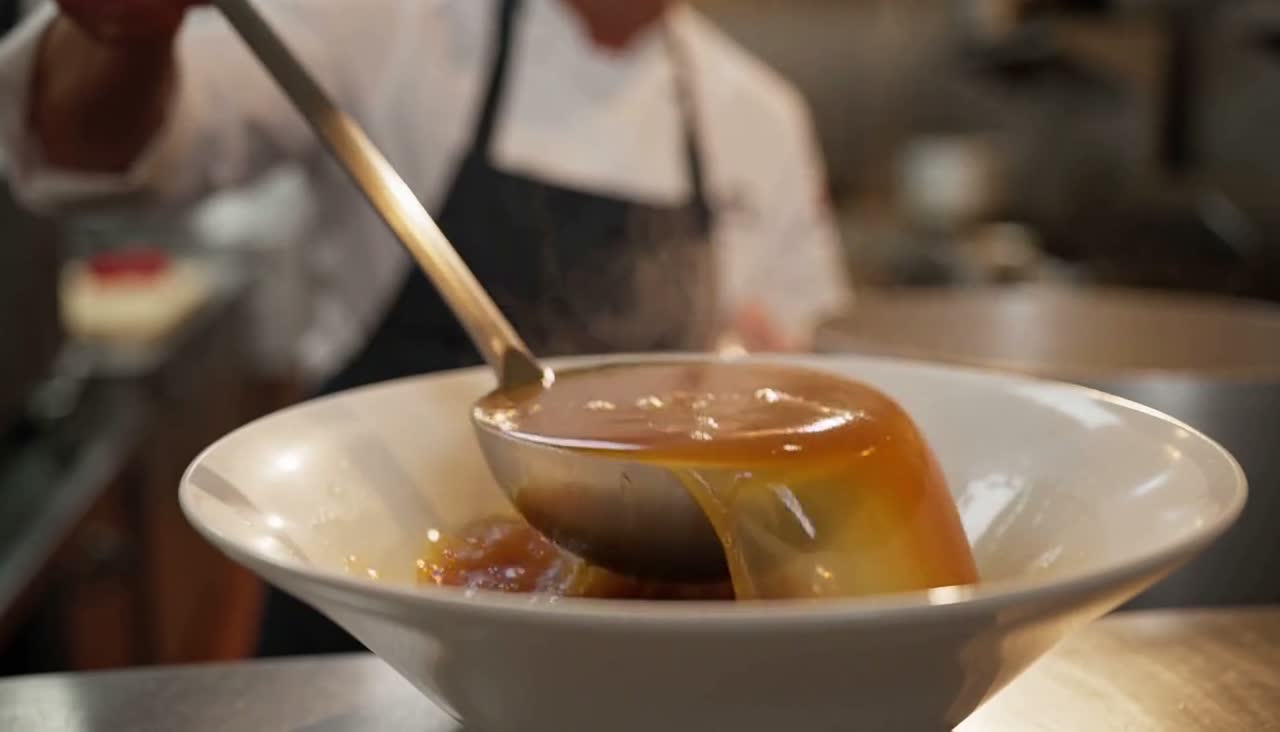
A commercial lives or dies on the product looking like the product in every shot. Make one sheet per character, place and prop: the talent, the kitchen, the pack. Pick the hero version of each, and every take of every shot draws from it, so the face, the wardrobe and the pack shot hold from the first shot to the last.
Two habits keep sheets useful. A sheet shows identity only, the face, the pack or the set, on a plain background; the action belongs to the shot. And still check every take: a locked sheet makes drift rare, not impossible.
5. Find the look on stills, then animate
Stills cost cents; video is priced by the second. Try three stills for a shot at 3¢ each, keep the one that's right, and animate that one. When two shots need to flow into each other, the last frame of one can open the next.
6. Shoot two or three takes of every shot
Ask for a take in plain words on the shot's page. The price shows before it renders, and a failed take is never charged. Two or three takes a shot give the edit a real choice. If a model keeps missing a shot, try it on another and keep whichever take works. Every take stays on its shot, so changing your mind later costs nothing.
Tony's Noodles rendered 18 takes, 93 seconds of video, to keep 52 seconds across 11 shots. On the fast video lane at 6¢ a second, that came to $5.58.
7. Add the voice, the sound and the captions
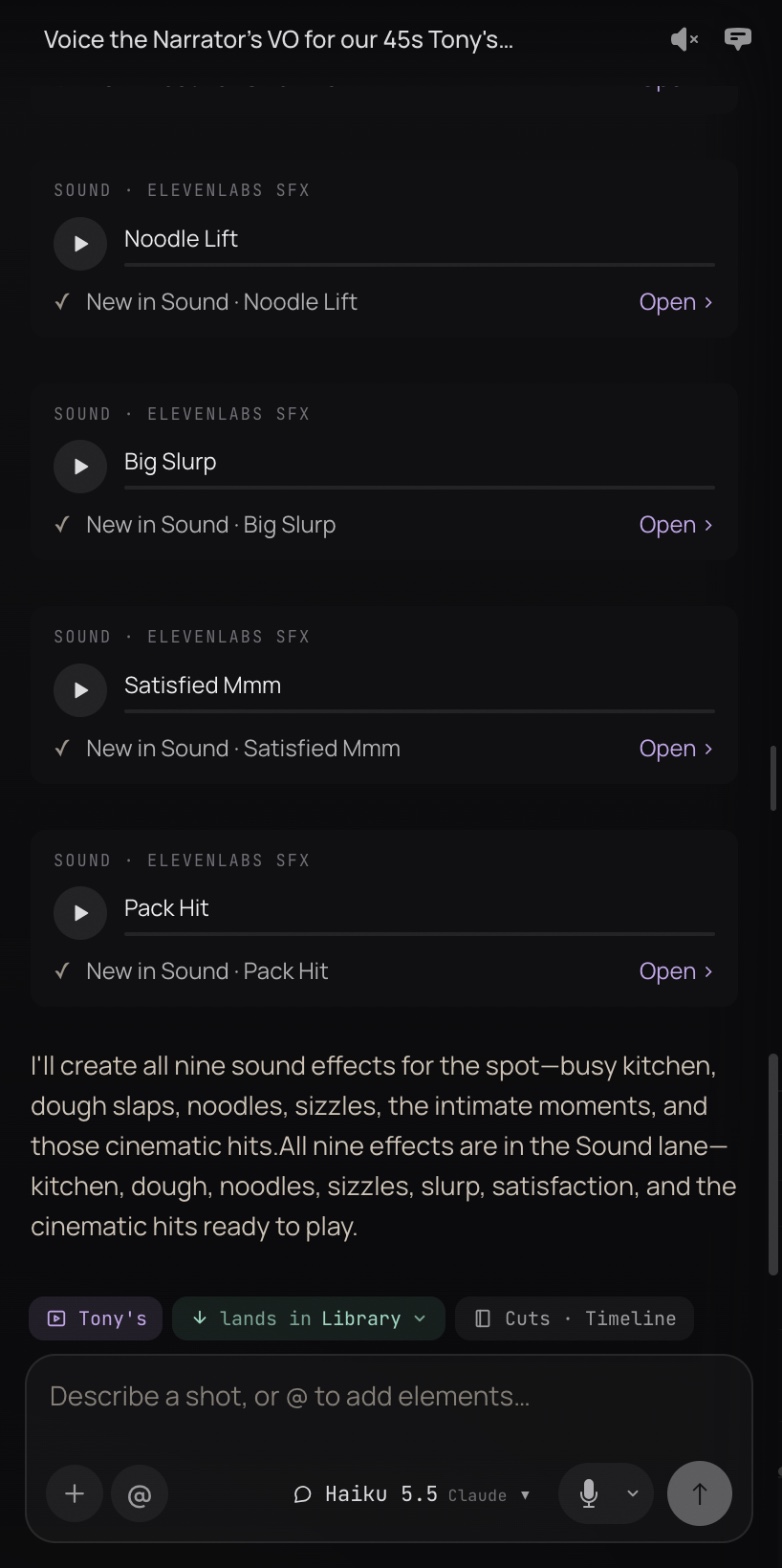
A commercial is half sound. Cast the narrator on their own sheet so every read is the same voice, and record the lines as separate reads you can lay and trim. Add foley for the moments that sell, a bed under them, and the score. Put captions on their own lane, timed to each read, because much of social is watched with the sound off.
Tony's Noodles has ten narrator reads, nine sound effects and a kitchen bed, with the score kept low under the voice. Voice lines cost 12¢ per 1,000 characters and sound effects about 1¢ each: about 9¢ for the whole spot.
8. Cut on a real timeline and save versions
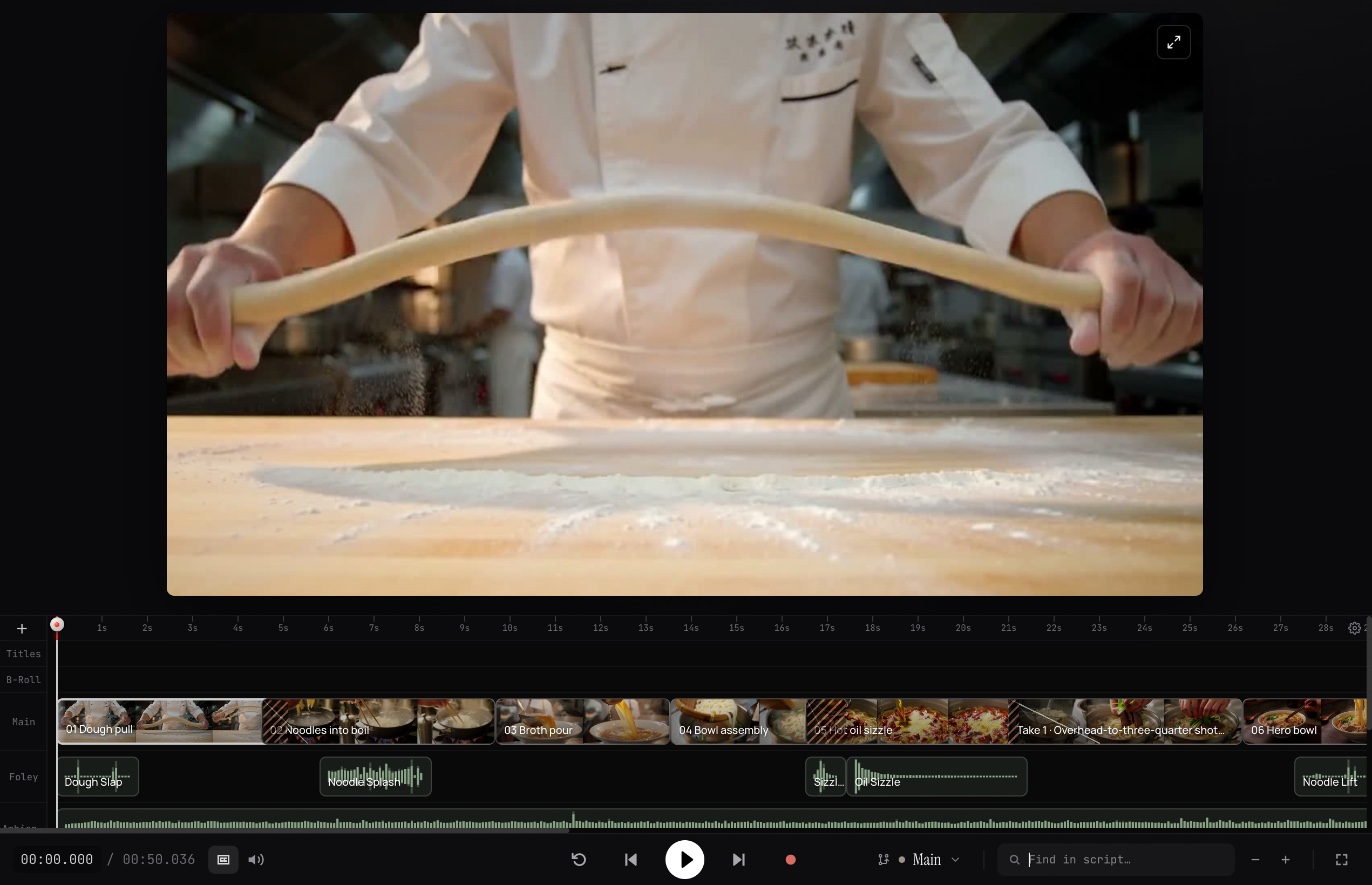
Lay the takes on the Main lane, with voice, foley, ambience, score and captions on their own lanes beneath. Trim each cut to its read and its beat. Save a version whenever a pass is worth keeping: a version is the whole timeline, not an export, so you can restore any of them. Tony's Noodles went through 7 saved versions to the approved cut.
9. Run the client review like a pull request
This is where most AI commercial workflows fall apart. The cut goes out as an MP4, notes come back by email, and nobody can say which version the client approved. Make the review round part of the workflow:
- Branch: try an alternative ending without touching the live cut.
- Propose: put the whole cut, or one scene, up for review.
- Vote: every member watches, votes and leaves notes.
- Compare: see what was added, removed or retimed against the live cut.
- Approve: the producer approves it, or rejects it with a note.
Clients join the studio to review. Nothing is public and there are no share links to leak, and the $99 covers everyone you invite.
10. Deliver the master and the cutdowns
Export a 1080p master of the approved cut. Keep each cutdown, the 15 or the 6, as its own cut built from the same takes, so a change to a shot is one change and not three.
What a spot costs
Tony's Noodles, 50 seconds: 93 seconds rendered at 6¢ came to $5.58, plus about 9¢ of voice and sound effects, on top of the $99 studio month.
A 30-second spot planned the same way, as an example at the published prices:
| Item | Cost |
|---|---|
| 10 shots × 3 takes × 6 s at 6¢ a second | $10.80 |
| 30 stills at 3¢ to find the look | $0.90 |
| Voice-over: about 3,000 characters of reads at 12¢ per 1,000 | $0.36 |
| 10 sound effects at about 1¢ | $0.10 |
| From the wallet, before the master | about $12 |
The $99 studio month comes on top and covers the whole team. More takes cost more and a failed take costs nothing. Every price is on the pricing page.
Where AI commercial workflows usually break
- Five tools and no thread. The script is in a doc, the stills in one app, the video in another, the edit in a fourth and the review in email. Every handoff drops a prompt, a reference or a version.
- The product drifts. Without a locked sheet, the pack changes colour by shot six.
- Prompts that ask for everything. Three actions in one prompt make one muddy clip.
- One take per shot. With nothing to choose from, the edit turns into a reshoot.
- No record of the approval. Nobody can say which cut the client signed off on.
When a different tool fits better
If the job is hundreds of talking-avatar or UGC-style ad variants a week, an ad generator built for volume will be faster. This workflow is for spots that are directed shot by shot: a story, a product that has to look right, a voice, and a client who signs off on the cut.
Directing the whole spot from Claude
Tony's Noodles was directed from a Claude chat over the Cnemai connector. The takes, the narrator's reads and the sound effects were asked for in plain words and filed straight onto the project. The decisions stayed with the director; the agent did the legwork.
For the wider pipeline behind films, spots and music videos, read the AI video workflow, stage by stage. For studios and agencies that make spots for clients, see AI video commercials.